SIGNAL REPAIRS ·
DStv signal issues and repairs in Mossel Bay
If your DStv picture disappears, breaks into blocks or shows E48-32, start by noting the exact message. A satellite signal problem is not the same as a TV input problem, and a temporary weather interruption does not automatically mean you need a new decoder.
By DStv Installers Mossel Bay
First: is the message from DStv or your TV?
If the TV says “No signal” and you cannot see the decoder menu, check that the decoder is powered on and the TV is set to the HDMI input used by the decoder. An HDMI connection carries the picture from the decoder to the TV; it is separate from the satellite cable entering the decoder.
If you can see the DStv menu and an E48-32 message, the decoder is reporting a satellite signal problem. Make a note of whether all channels are affected or only some, and whether it started during rain, after wind or after equipment was moved.
Why does DStv lose signal during rain?
Heavy rain can temporarily weaken the satellite signal. Wait until the weather clears before deciding that equipment has failed. If the picture returns and stays stable, it may have been a temporary weather interruption.
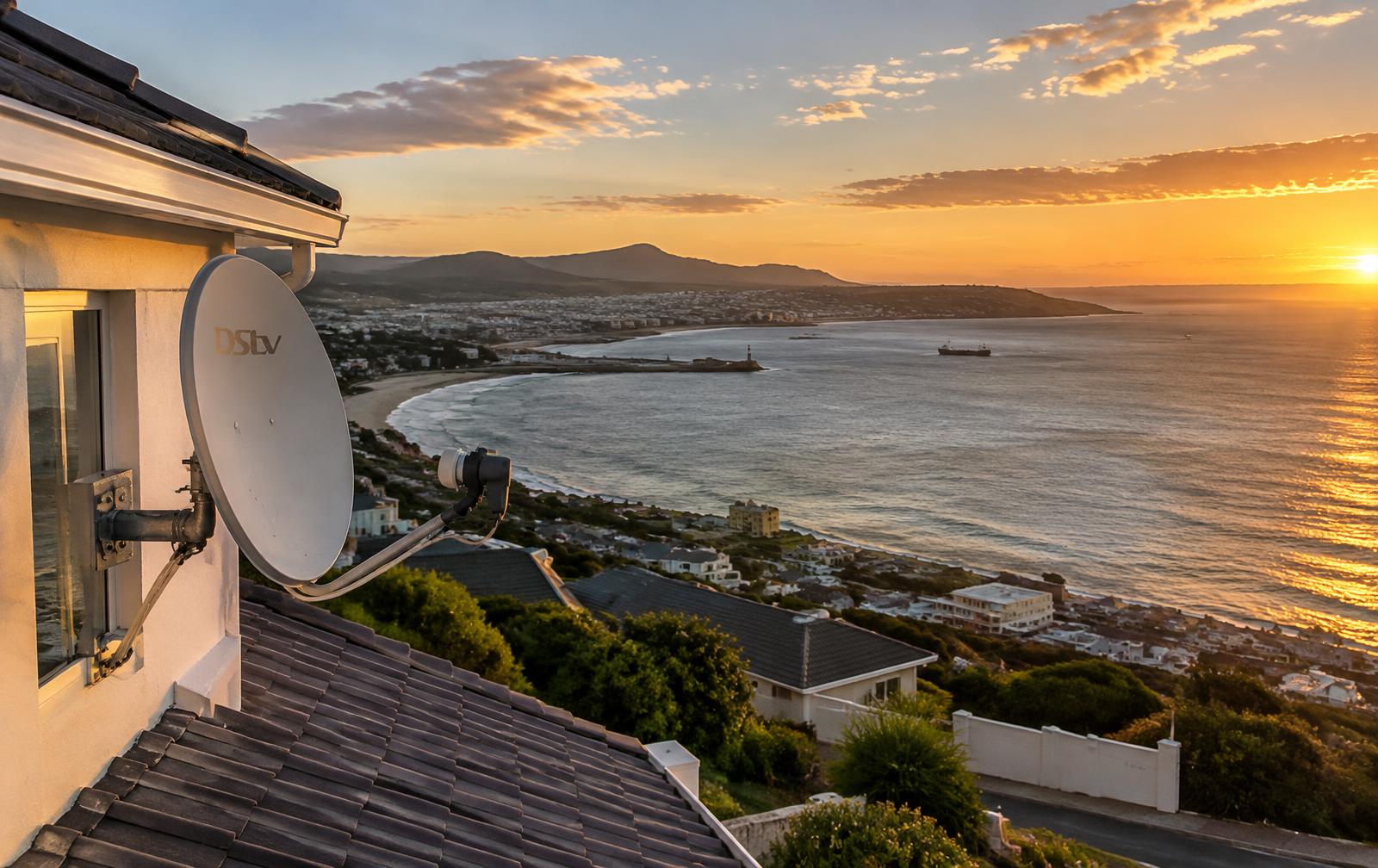
If the signal remains poor in clear weather, or drops repeatedly in light rain, ask for the installation to be checked. Dish alignment, connections and the condition of the cable or LNB can all be relevant. The LNB is the receiver attached to the arm in front of the dish.
Lost signal after wind? Request an alignment check.
A dish or loose mounting that has moved can affect reception. If your signal changed after windy weather in Mossel Bay, tell the installer when it started. That history helps guide the inspection, but it does not prove the dish is the cause: cabling and other equipment still need checking.
Do not try turning the dish yourself. Accurate alignment requires testing, and roof access, ladders and outdoor electrical hazards are not safe DIY checks.
Safe checks you can make indoors
- Write down the exact error code and check whether the decoder menu is visible.
- Confirm that the TV uses the correct input and that the decoder is switched on.
- If safe, switch off power before checking accessible indoor connections for an obviously loose plug. Do not open equipment, force connectors or touch wet or damaged cables.
- If heavy rain is passing, wait for it to clear and check again.
- DStv’s E48-32 guidance recommends switching the decoder off at the wall, waiting at least 10 seconds, then switching it on again. Only use a dry, safely accessible plug. Avoid a factory reset or changing installation settings without advice.
Signal fault, account message or streaming problem?
Not every DStv error needs a dish repair. Account or subscription messages should be checked with DStv support. Likewise, a DStv Stream or Streama buffering problem involves an internet connection rather than satellite dish reception. Share the exact error and device model rather than booking replacement parts based on “no picture” alone.
What a signal repair visit may involve
Depending on the fault, a technician may check dish mounting and alignment, test the LNB, inspect cable runs and connectors, and verify reception at the decoder. Realignment or a cable repair may be appropriate; an LNB replacement should depend on the diagnosis, not the error code alone.
For DStv signal repairs in Mossel Bay, send your suburb, the decoder model, the error code and when the problem began. A photo of the message on your TV can help. Discuss the quote and visit availability before confirming work.
Need a local DStv installer?
We serve Mossel Bay and its suburbs, including Hartenbos, Dana Bay and Diaz Beach. Visit our DStv installer Mossel Bay page to choose a service and request a visit.
WhatsApp 072 772 8257Further help
Sources: DStv’s E48-32 troubleshooting guidance and DStv’s E48 signal-error guidance. For account-related errors, use DStv South Africa Help. This guide covers common symptoms, not a diagnosis of your installation.